Initial Setup: Management, VLANs & Self IPs
🎯 مقصدObjectiveObjective
اس سبق میں آپ مینجمنٹ IP کنفیگر کریں گے، ایک VLAN بنائیں گے، Self IPs تفویض کریں گے اور BIG-IP پر روٹس لگائیں گے۔
Is lesson mein aap management IP configure karenge, ek VLAN banayenge, Self IPs assign karenge aur BIG-IP par routes lagayenge.
In this lesson you will configure the management IP, create a VLAN, assign Self IPs, and set up routes on the BIG-IP.
💡 آسان مثالSimple analogySimple analogy
مینجمنٹ IP ایسا ہے جیسے عملے کے لیے عمارت کا پچھلا دروازہ، جبکہ Self IP وہ مرکزی داخلہ ہے جو گاہکوں کی ٹریفک کے لیے ہے۔
Management IP aisa hai jaise staff ke liye building ka peechay wala darwaza, jabke Self IP woh main entrance hai jo customer traffic ke liye hai.
The management IP is like the building's back-office door for staff, while the self IP is the main entrance used by customer traffic.
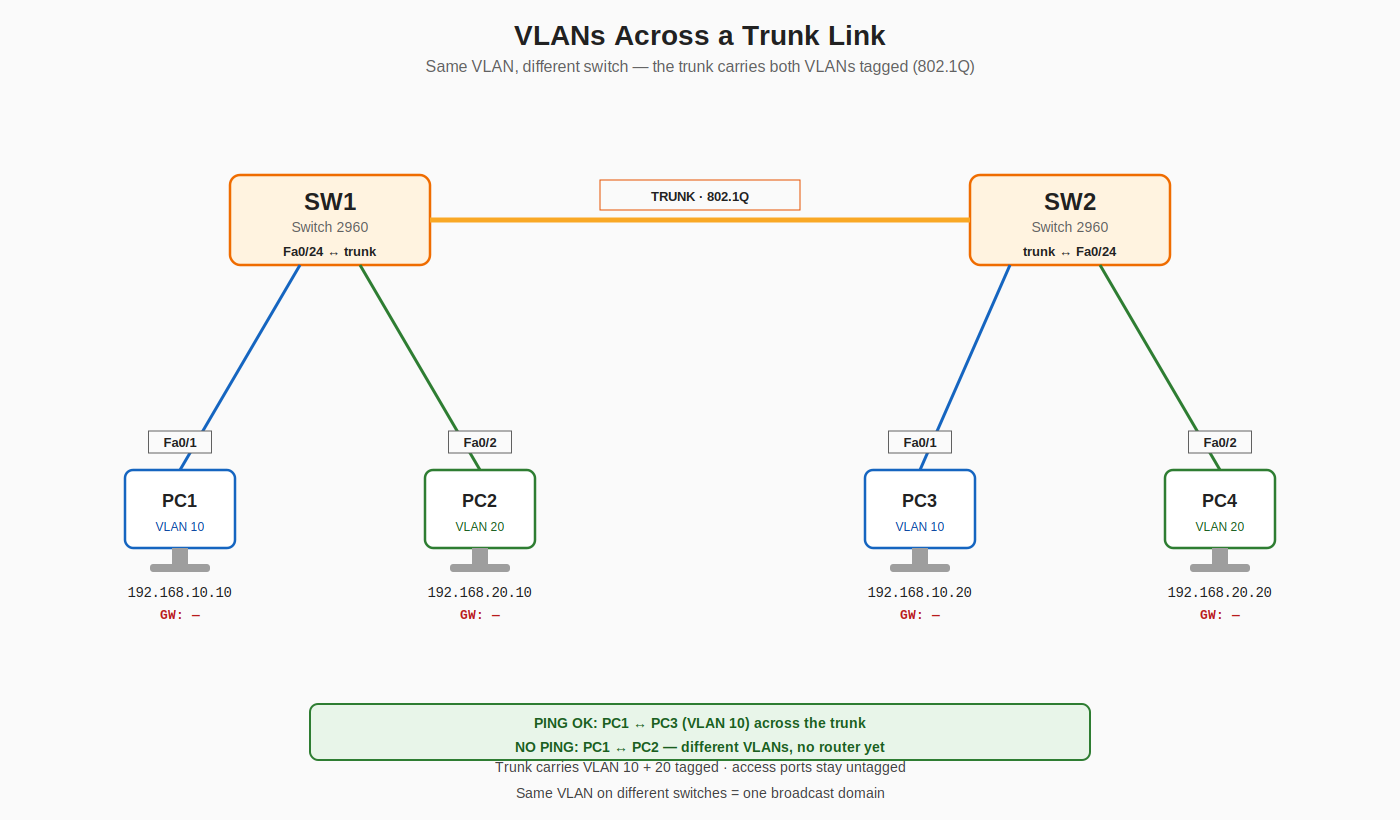
🧪 سیٹ اپSetupSetup
ایک BIG-IP VE ورچوئل مشین جس کے ساتھ مینجمنٹ نیٹ ورک (192.168.1.0/24) اور اندرونی نیٹ ورک (10.10.10.0/24) ہے۔
Ek BIG-IP VE virtual machine jis ke sath management network (192.168.1.0/24) aur internal network (10.10.10.0/24) hai.
One BIG-IP VE virtual machine with a management network (192.168.1.0/24) and an internal network (10.10.10.0/24).
👣 مراحلStepsSteps
Step 1
BIG-IP VE کے کنسول میں جائیں اور config چلا کر مینجمنٹ IP سیٹ کریں۔ یہ IP صرف ایڈمنسٹریشن کے لیے استعمال ہوتا ہے۔
BIG-IP VE ke console mein jayen aur config chala kar management IP set karein. Yeh IP sirf administration ke liye istemal hota hai.
Access the BIG-IP VE console and run config to set the management IP. This IP is used only for administration.
config #mgmt🖱️ ریبوٹ کے بعد https://192.168.1.245 کھولیںReboot ke baad https://192.168.1.245 kholenAfter reboot open https://192.168.1.245
Step 2
اندرونی اور بیرونی VLAN بنائیں اور انہیں فزیکل انٹرفیسز سے جوڑ دیں۔ VLAN انٹرفیسز کو ایک ہی نیٹ ورک پر جوڑ دیتا ہے۔
Internal aur external VLAN banayen aur unhen physical interfaces se jor dein. VLAN interfaces ko ek hi network par jor deta hai.
Create internal and external VLANs and attach them to the physical interfaces. A VLAN groups interfaces together on one network.
tmsh create net vlan internal interfaces add { 1.1 }tmsh create net vlan external interfaces add { 1.2 }🖱️ Network > VLANs > CreateNetwork > VLANs > CreateNetwork > VLANs > Create
Step 3
ہر VLAN پر ایک Self IP بنائیں — یہ وہ IP ایڈریس ہے جہاں BIG-IP خود اس نیٹ ورک پر موجود ہوتا ہے۔
Har VLAN par ek Self IP banayen — yeh woh IP address hai jahan BIG-IP khud us network par maujood hota hai.
Create a Self IP on each VLAN — this is the IP address where the BIG-IP itself lives on that network.
tmsh create net self 10.10.10.1/24 address 10.10.10.1/24 vlan internaltmsh create net self 172.16.1.1/24 address 172.16.1.1/24 vlan external🖱️ Network > Self IPs > CreateNetwork > Self IPs > CreateNetwork > Self IPs > Create
Step 4
ایک ڈیفالٹ روٹ شامل کریں تاکہ BIG-IP کو معلوم ہو کہ ٹریفک کہاں بھیجنی ہے، اور ضرورت ہو تو مینجمنٹ روٹس بھی۔
Ek default route add karein taake BIG-IP ko maloom ho ke traffic kahan bhejni hai, aur zaroorat ho to management routes bhi.
Add a default route so the BIG-IP knows where to send traffic, and any management routes if needed.
tmsh create net route default-route gw 172.16.1.254 network 0.0.0.0/0tmsh create net route mgmt-route gw 192.168.1.1 network 192.168.100.0/24🖱️ Network > Routes > AddNetwork > Routes > AddNetwork > Routes > Add
Step 5
Self IPs اور روٹس کی تصدیق کریں۔ قریبی ڈیوائس سے Self IP کو ping کر کے کنیکٹیویٹی کی بھی تصدیق کریں۔
Self IPs aur routes ki tasdeeq karein. Qareebi device se Self IP ko ping kar ke connectivity ki bhi tasdeeq karein.
Verify the Self IPs and routes. Also ping the Self IP from a neighboring device to confirm connectivity.
tmsh show net selftmsh show net routeStep 6
اہم نقطہ: مینجمنٹ ٹریفک اور کسٹمر ٹریفک کو الگ رکھنا ضروری ہے — اصل کلائنٹ ٹریفک مینجمنٹ انٹرفیس سے گزارنے سے پرہیز کریں۔
Ahem nuqta: management traffic aur customer traffic ko alag rakhna zaroori hai — asal client traffic management interface se guzarne se parhez karein.
Key point: management traffic and customer traffic must be kept separate — do not carry real client traffic through the management interface.
✅ تصدیقVerifyVerify
تصدیق: mgmt GUI https://
Tasdeeq: mgmt GUI https://
Verify: mgmt GUI opens at https://
tmsh show net selftmsh show net route🔧 مسائل کا حلTroubleshootingTroubleshooting
VM کے نیٹ ورک اڈاپٹر کی سیٹنگ (bridge یا NAT) چیک کریں اور config سے mgmt IP کی تصدیق کریں۔VM ke network adapter ki setting (bridge ya NAT) check karein aur config se mgmt IP ki tasdeeq karein.Check the VM's network adapter setting (bridge vs NAT) and confirm the mgmt IP with config.
چیک کریں کہ VLAN صحیح انٹرفیس سے جڑی ہے اور سب نیٹ درست ہے۔Check karein ke VLAN sahi interface se juri hai aur subnet durust hai.Check that the VLAN is assigned to the correct interface and that the subnet is correct.
🎤 انٹرویو سوالاتInterview Q&AInterview Q&A
A: مینجمنٹ صرف ڈیوائس کی ایڈمنسٹریشن کے لیے ہوتا ہے؛ Self IP LTM ٹریفک اٹھاتا ہے اور HA peers کے درمیان floating-IP failover بھی ممکن بناتا ہے۔Management sirf device ki administration ke liye hota hai; Self IP LTM traffic uthata hai aur HA peers ke darmiyan floating-IP failover bhi mumkin banata hai.Management is used only for device administration; Self IP carries LTM traffic and also enables floating-IP failover between HA peers.